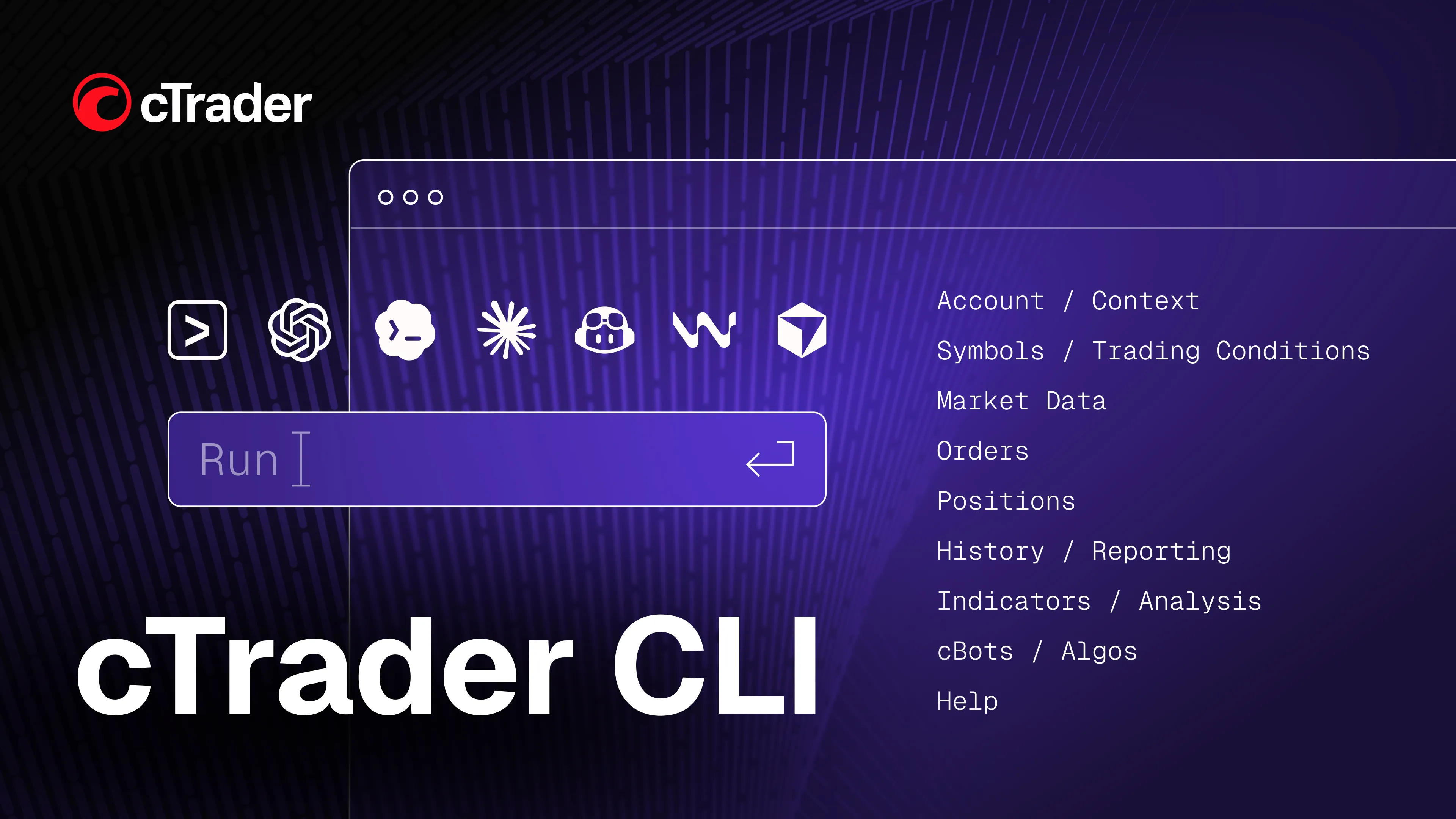
cTrader has launched cTrader CLI, a standalone desktop command-line application that lets traders connect popular AI apps to cTrader and manage their operations through natural-language commands without opening the graphical interface. It runs on a trader's own computer and supports trading, cBot execution, backtesting and optimisation, access to market and account data.
cTrader CLI helps meet the needs of professional algo traders who want to bring AI into their day-to-day trading and handle routine tasks in a more convenient, hands-free way, without constantly switching between charts and different parts of the platform.
AI-powered operations
Through cTrader CLI, an AI agent can act on natural-language commands to perform data, trading and algo tasks – a key advantage for AI-first traders. Popular AI apps such as Claude Code, Codex, Cursor, Windsurf and Gemini CLI can retrieve account data, prices and historical market data, review trading history and exposure, manage orders and positions, set price alerts and run cBots and backtests. Traders who regularly work across several accounts or repeat the same operations can hand more repetitive work over to AI and let it run in the background through cTrader CLI.
Importantly, cTrader CLI and MCP servers for trading fit different trading setups. MCP servers are better suited to traders who want an AI agent to interact directly with cTrader, including UI-based operations, while cTrader CLI focuses on lightweight background tasks and command-line automation.
Interface-free algo trading
cTrader CLI brings the algo workflow to the command line – from testing and optimisation to running cBots on a trader's own infrastructure.
Traders can run backtests across different periods and parameters, optimise cBots by testing parameter combinations and compare the results before putting a strategy into use. They can also start, monitor and stop cBots outside the main cTrader application, leaving it free for charts, development and visual analysis.
These tasks can be performed directly through CLI or through an AI agent using natural-language commands, allowing recurring algo operations to run with less manual input.
Serving advanced trading needs
Some traders prefer to control their setup remotely and hand time-consuming tasks over to AI. Others run several cBots at once and test strategies in bulk. cTrader CLI helps brokers support these more complex trading requirements without changing the core cTrader experience for other traders.
It widens the range of clients they can serve with the same cTrader offering and gives them another point of difference when attracting algo and technically confident traders.
Sergey Borisov, Head of Product Development at Spotware, said: "Traders' expectations keep rising, especially around algo and AI-assisted trading. Guided by our Traders First™ approach, we're always looking for new ways to keep pace with changing trader demands. cTrader CLI gives advanced traders the freedom to use AI to run and automate their trading without a graphical interface. We want cTrader to keep giving traders the tools they need as their trading becomes more sophisticated."
About cTrader
cTrader is a premium trading platform launched in 2010, built on Traders First™ principles, serving over 11 million traders of all experience levels as well as 300+ brokers and prop firms. With advanced native charting, built-in social trading and free cloud execution for trading bots, cTrader delivers an excellent trading experience with best-in-class trader support. In 2026 it became the first platform in FX/CFD trading to deliver official MCP servers for AI-powered trading, enabling traders to connect AI agents for daily operations. cTrader Store is a central hub for traders, offering thousands of bots, indicators, copy strategies, prop challenges and plugins. For brokers and prop firms, it helps convert existing demand for cTrader into high-intent prospects through cTrader Leads programme. As an Open Trading Platform™, cTrader supports brokers and prop firms with 100+ third-party integrations via APIs and plugins.