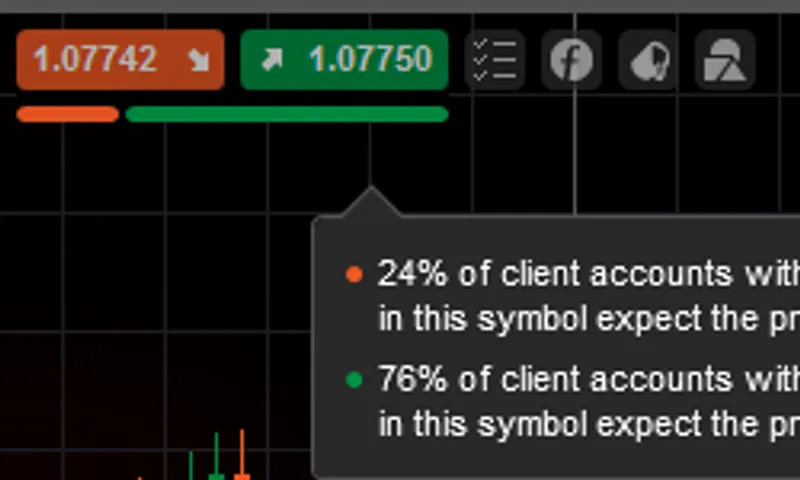
Live SentimentThe live sentiment is a bar located in charts and the MarketWatch. It displays long versus short positions of other traders using cTrader across all brokers to provide a sentiment based on many other traders expectations. Use this tool to identify the percentage of traders which are currently short and long before making your decision to enter the market. This indicator is available for the most traded Forex pairs where there is enough data.
TargetscTrader has integrated with Trading Central to offer target points for selected symbols. Targets are shown as a green line in the chart. Hover over a Target to learn more about the target and execute the trade with a Take Profit and Stop Loss. Please contact your broker to find out about the availability of this feature. 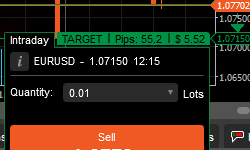
Aggregated Positions ViewYou can now choose to see your positions in aggregated mode by using a drop-down box in the "Positions" tab in the TradeWatch. Aggregated positions can be expanded, collapsed or closed. 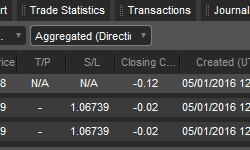
Volume Selection TooltipcTrader's volume selection tooltip helps you select the appropriate volume for your order by displaying the pip value, the margin required, amount risked and more. The tooltip is available when hovering over any volume selector in the platform. 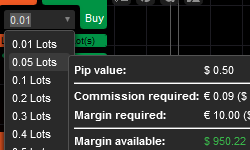
Font Size SettingThe font size of the application can be configured using a slider. Please note that the application's elements will adapt to the new font size by scaling up or down. 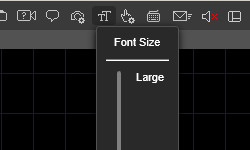
New Color SchemecTrader's color scheme has been simplified. Everything related to Buying (Order buttons, Ask price, Trendbars going up) is green, and everything related to Selling (Order buttons, Bid price, Trendbars going down), is orange. 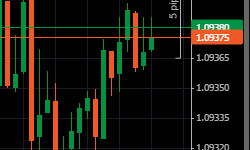
Balance Line VisibilitycTrader's balance line is now always visible. Clicking on the balance line cycles between two different layouts 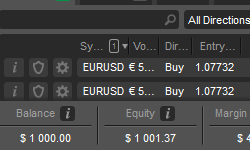
Done OrdersYou can find all a history of all the orders you've sent to the server. Open the "History" tab and click the "Done Orders" button.