Our latest release includes new features that create a level of transparency unrivaled by any other platform.
Reverse and Double
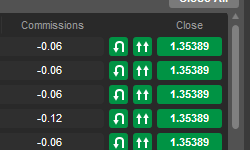
New Quicktrade buttons are available from the Positions tab. With a single click, you can now double your position volume (100k Buy will become 200k Buy) or reverse your position (100k Sell will become 100k Buy).
Positions Tab
The new positions tab gives you extra options and more information to help you manage your positions.
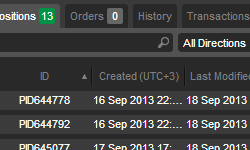
There's a counter on the tab to show you the number of currently open positions, a search field and drop-down menus to help you filter your positions list, and new columns with additional information about each position.
Orders Tab
The new orders tab shows a counter on the tab of how many orders are currently trading, and a new search field and drop-down menus to help you filter your orders list.
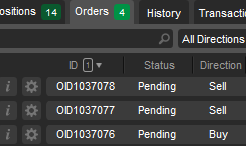
There are also new columns that show you additional information on each order.
History Tab
The new history tab shows you complete, detailed history of every deal (every executed trade).
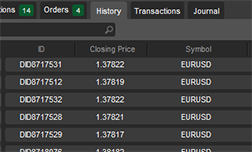
You can use search filters to find the deals you want to see and open each deal in a new window to see detailed information.
Transactions Tab
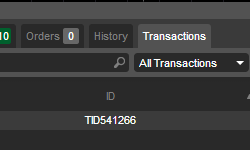
The Transactions tab shows you a history of all your deposits and withdrawals.
Position Info-Window
Click the 'i' button or double-click on a position to bring up the Position Window.
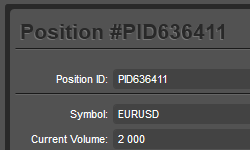
Information in this window includes the position's profit and loss, execution times, execution rates, swaps, commissions, and all events relating to the position.
Order Info-Window
Click the 'i' button or double-click on an order to bring up the Order Window.
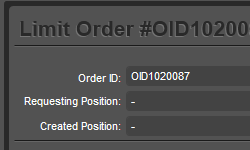
Information in this window includes price, volumes filled, times, initial take profit and stop loss, executed take profit and stop loss, related positions, expiry dates, total deals used to cover your order, and all events relating to the order.
Deal Info-Window
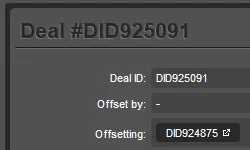
Click the 'i' button or double-click on a deal to bring up the Deal Window.
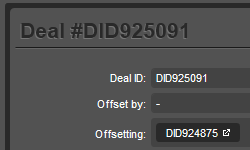
Information in this window includes price, volumes filled, related orders, relations positions, execution times, profit and loss, swaps, commissions, and a Market Snapshot, which shows you the exact pricing and liquidity available at the instance your order was executed.
Position Event Timeline
The position timeline shows you all events relating to the position in the sequence. You can see which orders were sent by the position, which deals were executed for the position, the new status of the position as each order and deal comes through, charged swaps and commissions, and details for all stop and loss take profits that are hit or modified.
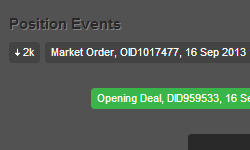
You can also click on events to open more details in a new window.
Order Event Timeline
The Order Timeline shows you all events relating to an order in the sequence. You'll see the position that requested the order, every match made with the liquidity providers for your order, the deals that were executed through the order, and all order modifications.
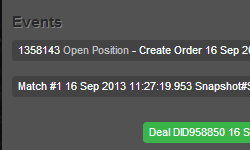
You can also click on events to open more details in a new window.
Deal Market Snapshot
The deal snapshot shows you a precise list of the prices and liquidity that were available at the exact moment your deal was filled, partially filled, rejected, missed, or encountered an error.
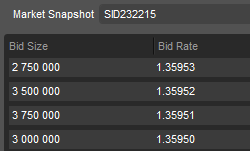
This transparent view helps you make sure you are always being executed at the best available price, and to see why rejections may have occurred.