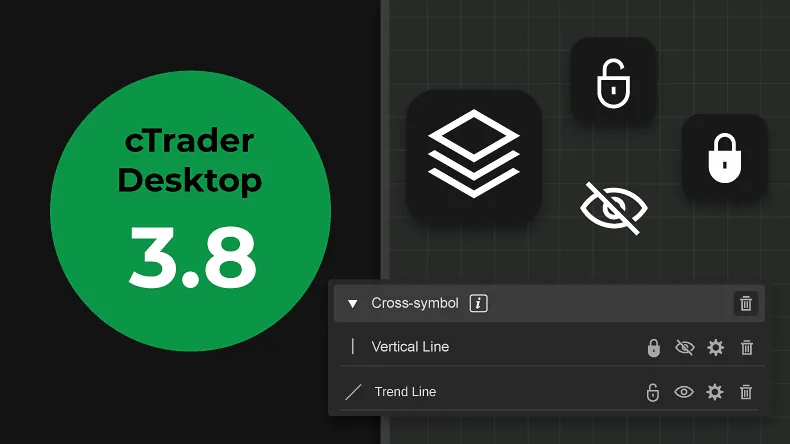
We at Spotware are pleased to announce the release of cTrader Desktop 3.8 version. This version comprises highly-requested drawing features, such as the ability to lock, hide, duplicate using the “Ctrl” key and further customise drawings. Additionally, traders’ accounts can now be hidden, an additional language is available and 8 more indicators have been added in the platform’s built-in indicators library. Last, there are further improvements and additions to cTrader Automate’s API.
Download cTrader Desktop 3.8 Beta
Objects Manager
A new window has been added, allowing traders to manage drawings and indicators on a chart. Traders can search and see their drawings per symbol, while charts can also be scrolled to selected drawings.
Lock Drawings
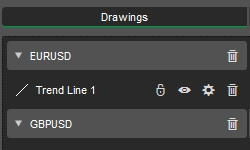
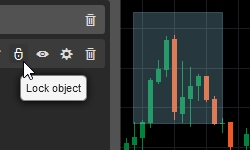
Once a drawing is placed on the chart, its position can now be locked in order to prevent accidental mouse interactions.
Hide Drawings
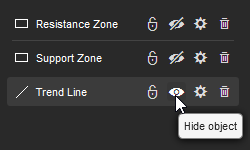
Any drawing can now be temporarily hidden using the Hide/Show toggle button in Object Manager.
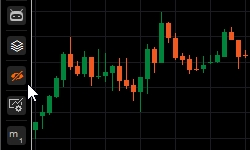
Hide All Drawings
The “Hide All Drawings” button allows traders to quickly hide all drawings on the chart, in order to see a clear price picture or create a new drawing without any visual obstacles.
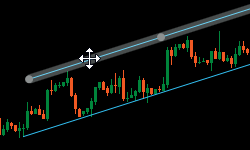
Ctrl + Drag to Duplicate Chart Drawings
Drawings can be duplicated very easily, by simply dragging any interactive drawing with the “Ctrl” key pressed to create its copy.
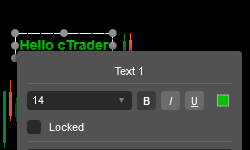
New Settings for Text Drawing
Text drawings on a chart can be further customised, by specifying their font size and text style (bold, italic, underline).
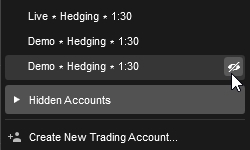
Hide Accounts
Accounts can be hidden using a new button. Hidden accounts will be placed in a “Hidden Accounts” sub menu, where they can still be used or made visible again.
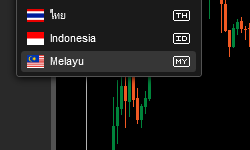
Malay Language
The platform is now available in the Malay language.
New Built-in Indicators
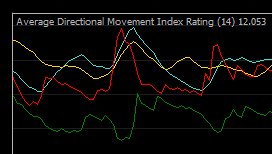
The following new built-in indicators have been added: Hull Moving Average, Average Directional Movement Index Rating (ADXR), Alligator, Supertrend, Cyber Cycle, Polynomial Regression Channels, Center Of Gravity, Fractals.
Changes in Snap to Price While Drawing
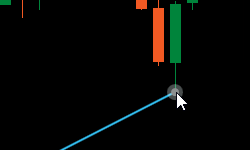
Snap to price option has been removed from the drawings context menu. Drawings will now be snapped to price by default. Traders can prevent snapping to price, by holding the “Shift” key while drawing. Vertical lines and icons can also be placed between bars the same way, with the “Shift” key pressed.
Changes in cTrader Automate API
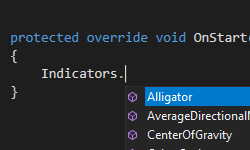
New properties IsLocked and IsHidden are now available for all chart objects. Additionally, the following new properties for ChartText have been added: FontSize, IsBold , IsItalic, and IsUnderlined. Last, there are 8 new built-in indicators available via API.
cTrader Desktop 3.8 will be released to all brokers in the nearest future. In the meantime, you can try all the new features out on Beta.
Download cTrader Desktop 3.8 Beta
If you wish to discuss the updates, or ask any follow-up questions, please refer to our Community Board, or the cTrader Official Telegram channel.