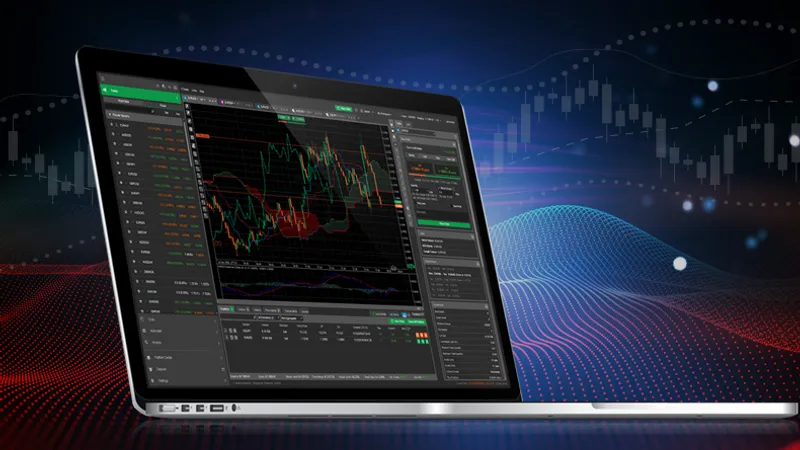
We are happy to announce the release of the cTrader Desktop 3.6 version, which, along with a series of bug fixes, and performance and user experience improvements, offers an out-of-the-box, Automate API user interface customization solution, tailored to deliver a new degree of personalization to traders and hence - an extra competitive edge to brokers.
Download cTrader Desktop 3.6 Beta
Custom UI on Charts with Automate API
One can now add custom UI elements and modify chart controls in Automate API for cBots and indicators. Available panels with different layouts and controls feature a variety of options, such as buttons, text boxes, check boxes, images, shape objects, and more. All UI elements further support styling and automatic color changes when a user switches between dark and light color themes on their cTrader platform.
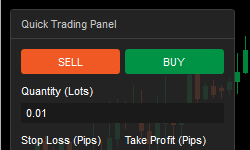
To demonstrate the usage of custom UI elements, we have further added a cBot sample - Sample Trading Panel, which lets users observe an operational example of the platform’s new feature.
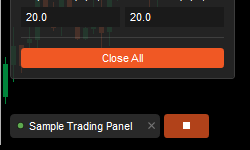
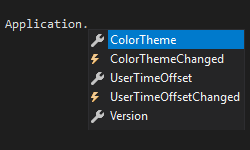
Other Automate API improvements include cTID info, color theme, user time offset and cTrader application version.
cBots Auto restart
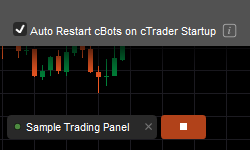
The new cTrader Desktop release also includes one of the ‘must-have’ features that traders voted for on the cTrader community forum. The user-elected cBots Auto Restart option ensures that created bots restart automatically upon platform launch.
cTrader Startup Modes
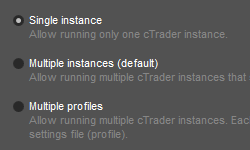
Multiple startup modes now include single instance, multiple instance and multiple profile options.
Active Symbol Panel Modifications
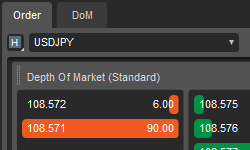
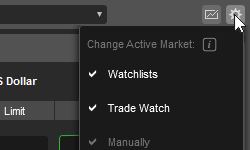
Depth of Market has been added to the Active Symbol Panel for further convenience, and the Active Symbol Change setting has been activated.
Visual Studio 2019 Support
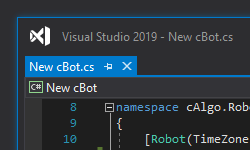
Last but not least, the new cTrader Desktop 3.6 version features full support of Microsoft Visual Studio 2019 for maximum developer flexibility.
cTrader Desktop 3.6 will be released to all brokers in the nearest future. In the meantime, you can try all the new features out on Beta.